Guides
The agent loop that ships while you are away
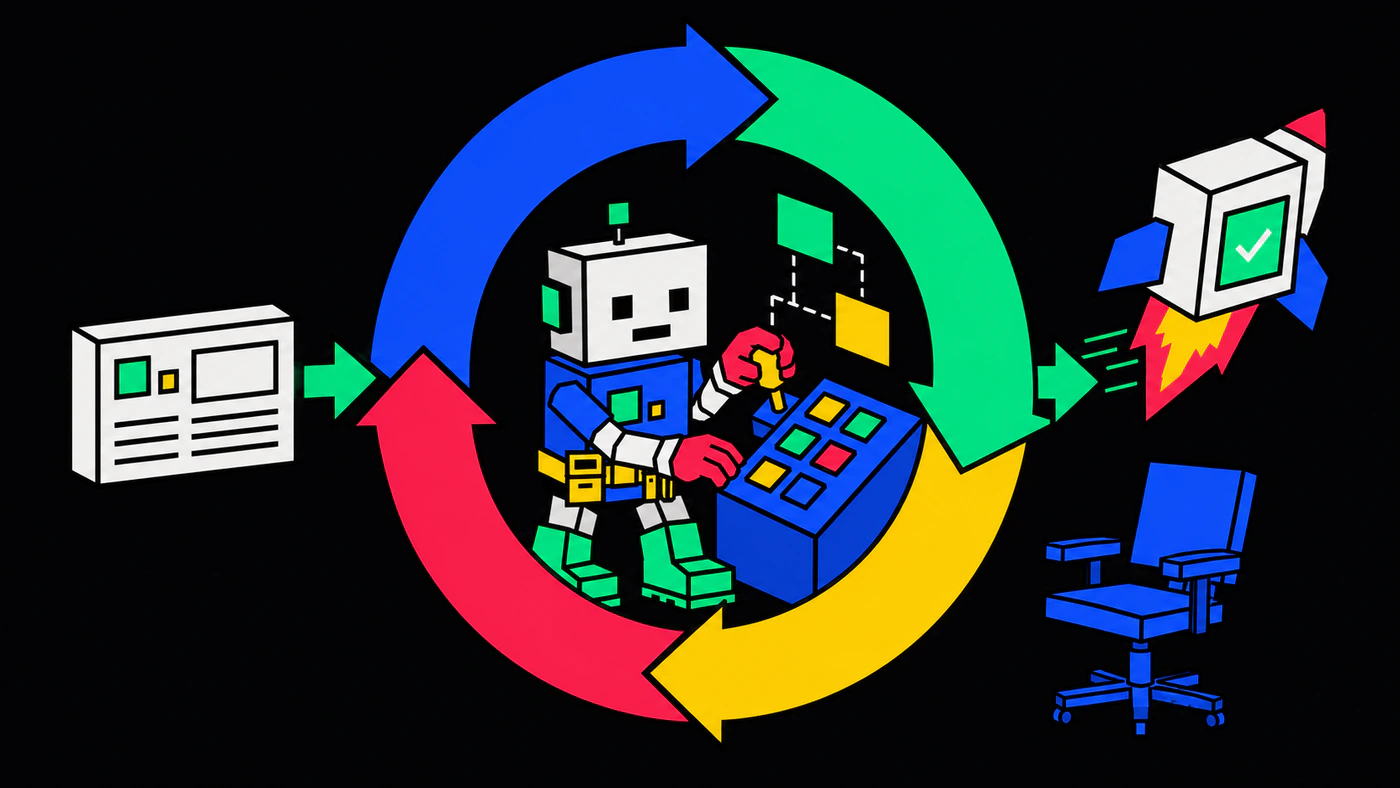
I was on a train when I got an alert about a bug in production. I opened Claude on my phone and asked it to file a ticket. By the time I got home, the issue was resolved, the fix was on master, and CI had deployed it. I had not opened my laptop.
That is what an autonomous agentic loop looks like in practice.
What a loop is
A loop is a cycle: pick work, do work, verify, hand off. A single Claude Code prompt is one turn through that cycle, with you driving each step. A loop runs the cycle continuously, with the agent driving most of it, and you stepping in only when something needs a human.
Claude Code’s /loop command turns a one-shot run into a standing process. Tell it to run a slash command on a schedule, and the agent picks up new work as it arrives.
/loop 5m /autopilotFive minutes. Every five minutes, the agent wakes up, looks at the backlog, and gets to work.
The skills, and what they call
The system is the skills. A skill is a markdown file the agent loads on demand — it tells the agent what to do, in what order, and why. Agent skills goes into more depth on what makes a good one.
Skills need to do real things in the world: fetch a Jira ticket, transition its status, read a Jenkins build log. The obvious ways to wire that up are both heavy. An MCP server per service — one for Jira, one for Jenkins, one for Confluence — is real infrastructure for what is, in practice, a handful of commands. Embedding a service’s full API into a skill goes the other way: every load of that skill carries endpoints it never uses, burning context for nothing.
So the skills delegate to a small CLI instead. Artifex (af) knows how to talk to Jira, Jenkins, and Confluence. When a skill says “fetch the topmost unassigned ticket,” af is what actually makes the call — one short shell invocation, no MCP, no API surface in the skill.
The split is deliberate. The workflow lives in the skills; the operations live in af. Iterate on the skills freely; let af stay boring.
Get the stack
Install the skills first — they come from the Avant Media skills repo, distributed via skills.sh:
npx skills add avantmedialtd/skills -gThe -g flag makes them available across all projects. Then Artifex, on npm:
npm install -g @avantmedia/afaf --help lists every available subcommand, and the skills know how to invoke them.
The loop, walked through
Here is the full picture, with the train scenario drawn out:
ON THE TRAIN                      ALREADY RUNNING AT HOME
─────────────────                 ───────────────────────
Claude on phone                   Claude Code
+ MCP → Jira     ── ticket ────▶  /loop 5m /autopilot ◀──┐
                                   │                      │
                                   ▼                      │
                                  pick up issue           │
                                   │                      │
                                   ▼                      │
                                  plan                    │
                                   │                      │
                                   ▼                      │
                                  implement               │
                                   │                      │
                                   ▼                      │
                                  test                    │
                                   │                      │
                                   ▼                      │
                                  verify                  │
                                   │                      │
                                   ▼                      │
                                  archive + commit + push │
                                   │                      │
                                   ▼                      │
CI green → deploy ──────┘One person, two interfaces, one loop. The mobile side is for triggering — Claude on a phone, with an MCP that talks to Jira, will create the ticket. The desktop side is for execution — /loop 5m /autopilot running in the background, polling the backlog, doing the actual work.
If a ticket is waiting in the backlog, autopilot runs:
Pick up. Find the topmost backlog ticket, assign it to yourself, transition to In Progress.
Plan. Generate an OpenSpec change — proposal, design, specs, tasks. Spec driven development covers why this matters.
Implement. Work through the generated tasks one by one.
Test. Run end-to-end tests in Docker. On failure, fix and re-run.
Verify. Check the implementation against the spec it just wrote.
Ship. Archive the change, commit with trailers pointing back at the spec, transition the Jira ticket to Done, and push.
Watch CI. Poll Jenkins. On failure, fix forward and push again. Otherwise, the deployment pipeline takes over.
Loop. Five minutes later, /loop fires /autopilot again. If the backlog has another ticket, the cycle starts over.
By the time you get home, that whole sequence has run. The ticket is closed, the fix is deployed, and the only evidence that anything happened is the commit message.
What this gets you, honestly
Autopilot is as good as the setup behind it. It will make exactly the choices your skills, your specs, and your test suite have prepared it to make — no better, and no worse. If the tests miss a regression, autopilot will miss it too. If the spec is ambiguous, autopilot will resolve the ambiguity in whatever way looks most plausible, which is not always the way you would have chosen.
For small, well-bounded changes — a clear bug, a focused feature flag, a one-file refactor — autopilot is excellent.
For large or ambiguous features, drop into OpenSpec’s explore mode instead. Explore mode opens a dialog with the agent rather than leaving it to its own devices, and the dialog is exactly what ambiguous work needs. Use the loop for the work that is bounded; use explore mode for the work that is not.